Skip to content
VVolpedia

Explore games. Discover guides.
Create, compare and play smarter.

About Volpedia & contact →

Find your world

Marvel RivalsMinecraftVALORANTFortniteRobloxAll gamesWiki & guides

Make your next move

Skin EditorCreator HubTier List MakerTournament BracketsSensitivity ConverterAll tools

Policies & support

privacycookiestermsguidelinescopyrightcontactreportaccount deletionprivacy settings
Independent fan reference. Game names and artwork belong to their owners.Not affiliated with or endorsed by any publisher.
Volpedia/Games/VALORANT/Competitive
VALORANT / FIELD GUIDE
Competitive

VALORANT ranked preparation: communication and warm-up

A lightweight checklist for entering competitive matches with a plan rather than chasing unreliable rank shortcuts.

Source-reviewed Checked October 20, 2026 1 min read
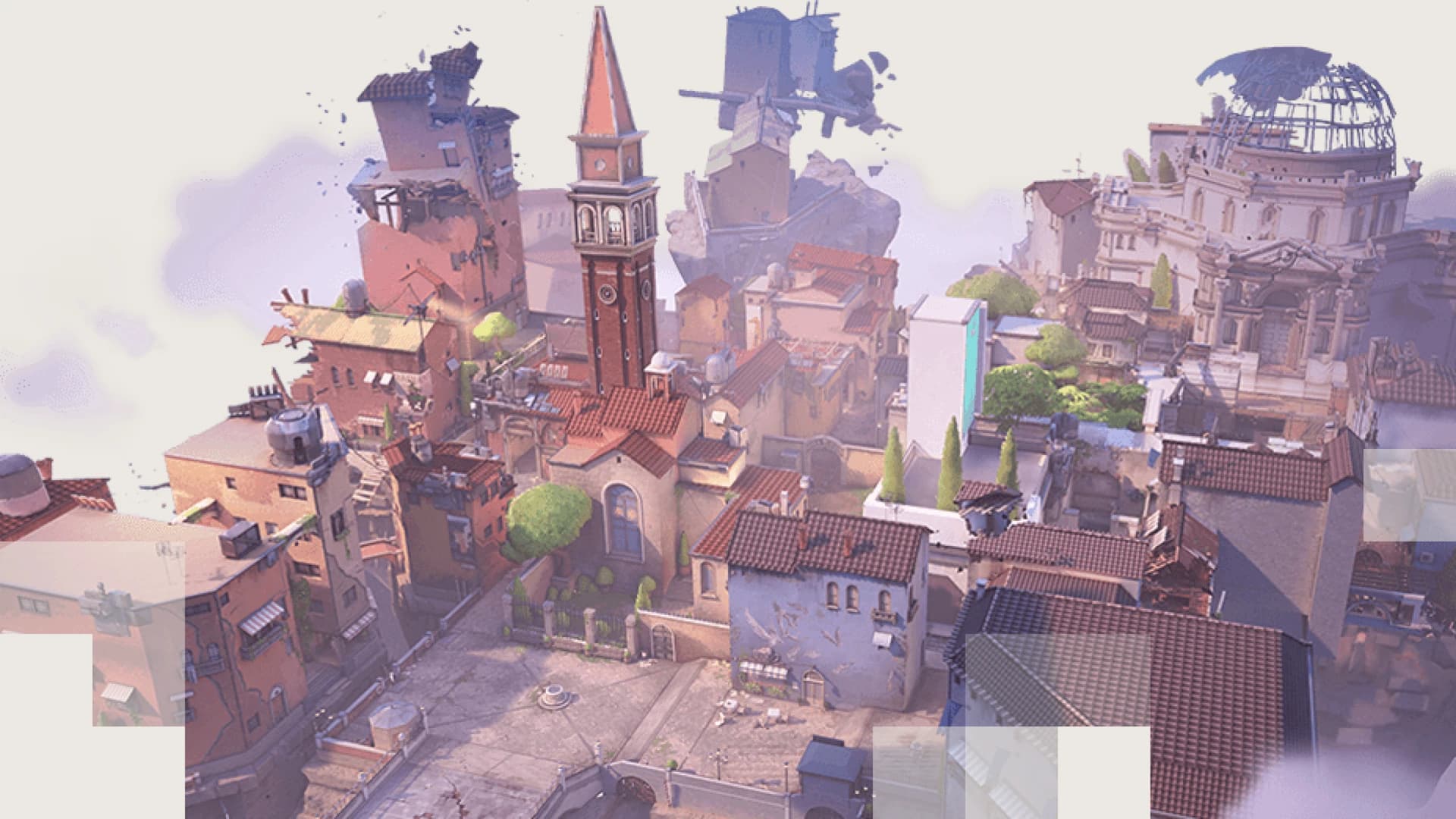
Split — official VALORANT map overview artwork© Riot Games. Used under Legal Jibber Jabber.

A lightweight checklist for entering competitive matches with a plan rather than chasing unreliable rank shortcuts.

THE VISUAL REFERENCE

See the subjects in this guide.

Split — official VALORANT map overview artwork
SplitOfficial map overview artwork (not a gameplay capture) · © Riot GamesPublisher source ↗
Icebox — official VALORANT map overview artwork
IceboxOfficial map overview artwork (not a gameplay capture) · © Riot GamesPublisher source ↗
01 / 03

Warm up before queueing

Use a consistent short routine to check aim, movement and comfort with key abilities. A repeatable warm-up is more useful for self-comparison than a different drill every day.

Ensure the game and voice settings work before committing to a match. Take breaks when attention or concentration has dropped; ranked play rewards sound decisions as much as aim.

02 / 03

Make communication actionable

Call the position and number of opponents you actually saw. Separate confirmed information from guesses such as an enemy possibly rotating or saving utility.

Coordinate purchases at the start of the round and state which utility you can offer. Keep comms short during engagements so teammates can hear movement and game audio.

03 / 03

Track process, not just ranking

After a match, choose one skill to improve: first-contact survival, trading, utility use or positioning. Review decisions without blaming teammates for every outcome.

Ranks and matchmaking rules evolve with patches. Check the in-game Competitive interface for the current eligibility rules rather than relying on old screenshots.

TRANSPARENT RESEARCH

Editorial sources

References to primary developer and publisher material. Details may change after the last review date.

  • 01Riot Games: VALORANT beginner’s guide

Volpedia was created under Riot Games’ “Legal Jibber Jabber” policy using assets owned by Riot Games. Riot Games does not endorse or sponsor this project. Media policy ↗

KEEP EXPLORING

Continue learning.

VOLPEDIA / REFERENCESettingsText guide
SettingsVALORANT crosshair settings: build a clear, readable reticle
VOLPEDIA / REFERENCESettingsText guide
SettingsVALORANT eDPI calculator: mouse DPI × in-game sensitivity
StrategyVALORANT attack vs defense: entry, rotates and information
RETURN TOVALORANT hubREAD NEXTVALORANT crosshair settings: build a clear, readable reticle

Volpedia is independent and is not affiliated with VALORANT or its publisher. This article combines original editorial writing with credited game media where available. Refer to official sources for late-breaking changes.

ON THIS PAGE
On this page
01Warm up before queueing02Make communication actionable03Track process, not just ranking
Editorial sources
THE GAME
VALORANTTactical FPS
CATEGORYCompetitive
REVIEWEDOctober 20, 2026
RELATED READING
VALORANT crosshair settings: build a clear, readable reticleVALORANT eDPI calculator: mouse DPI × in-game sensitivityVALORANT attack vs defense: entry, rotates and information
VVolpediaEXPLORE. CREATE. PLAY.
GamesWikiToolsCommunity
⌘ / Ctrl K
VALORANT
Marvel RivalsARC RaidersFortniteCounter-Strike 2Grand Theft Auto VIMinecraftVALORANTRobloxExplore all games →
OverviewSettingsStrategyCompetitiveAgentsTools
Community