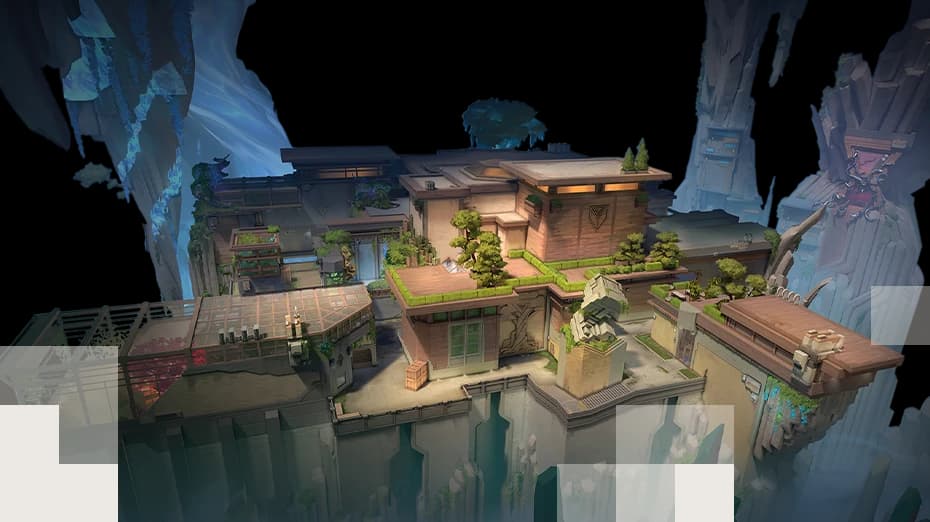
 MapAbyssTreat exposed ledges as both movement hazards and tactical opportunities. Check your retreat path before committing to a jump or a utility play.Read reference
 VALORANT / ENCYCLOPEDIA
Maps
Map artwork, important locations and strategy references. Browse 13 published entries below.
Back to VALORANT overviewVALORANT / MAPS FIELD GUIDE
Learn every map, not just the name.
Explore 13 map guides with dedicated images, layouts, attack routes, defending fundamentals, rotation planning and retake tips. Every map links to its own article on Volpedia.
Start with attacking fundamentals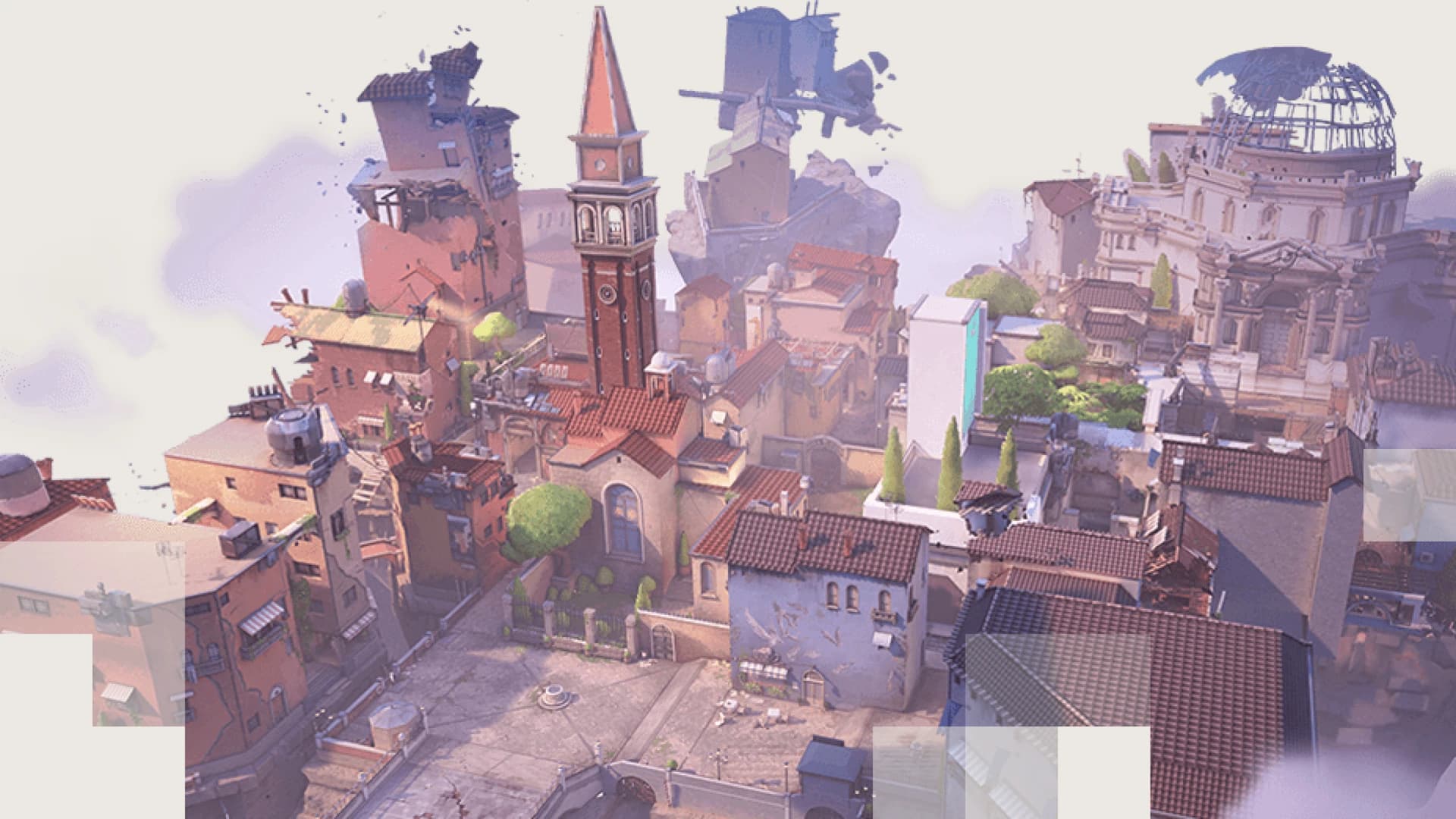
PUBLISHED REFERENCE
Explore maps
Curated entries. No generated placeholder profiles or fabricated rankings.
MapAbyssTreat exposed ledges as both movement hazards and tactical opportunities. Check your retreat path before committing to a jump or a utility play.Read reference MapAscentTreat the doors as a round-defining resource. Before opening or breaking one, consider how the new sound cue and rotation path affect the defenders.Read reference 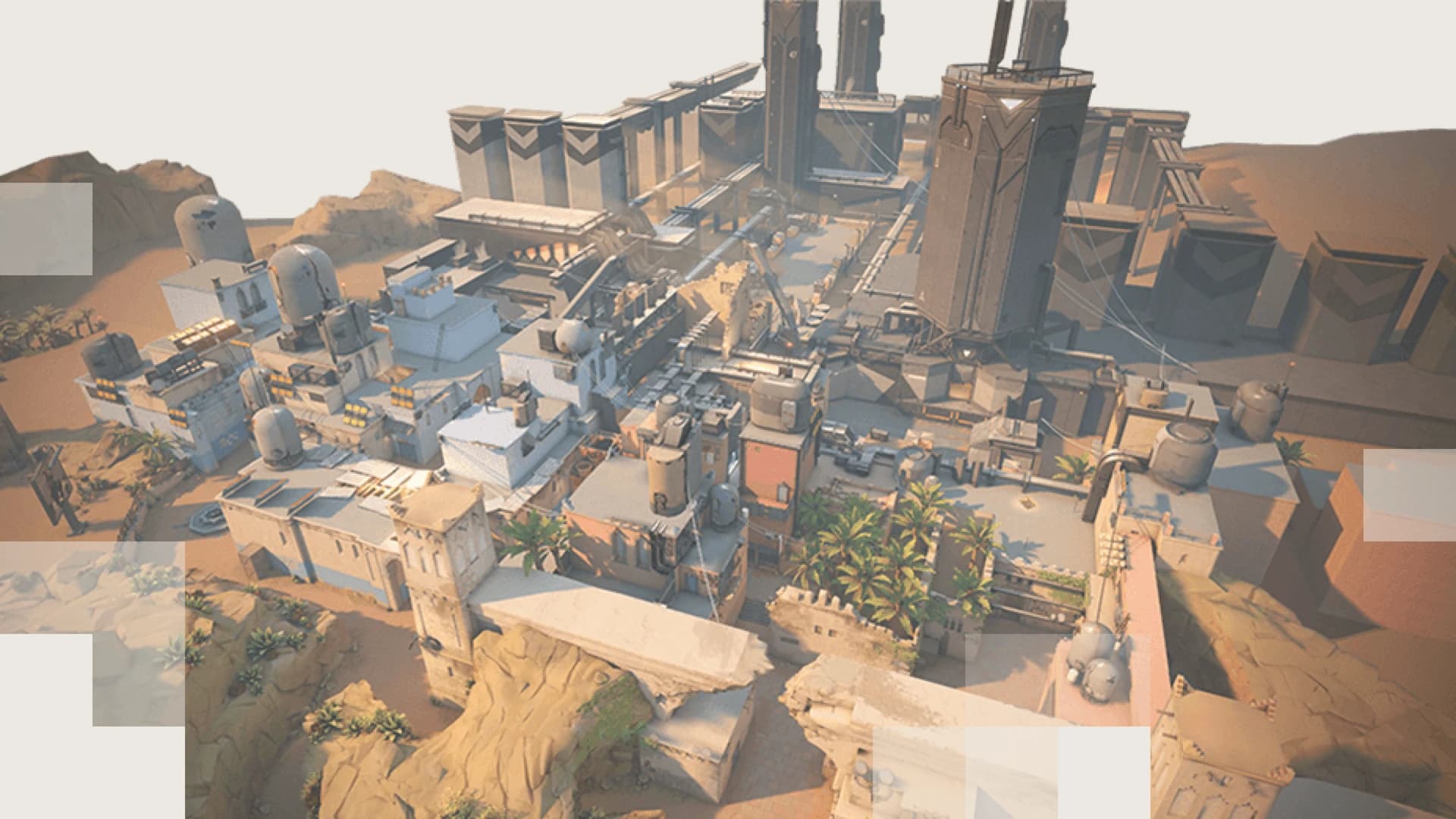 MapBindThere is no traditional middle lane. Plan your execute around the direct site entries and keep track of teleporter sound cues before changing sites.Read reference
 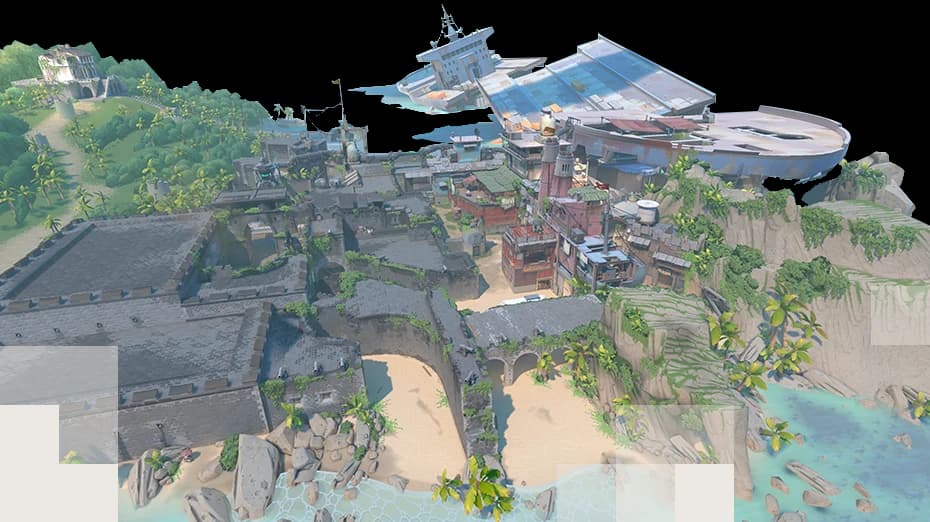 MapBreezeRespect the long sightlines when crossing without cover. Confirm who is guarding the flanks so the rest of the team can spend utility on the planned engagement.Read reference
 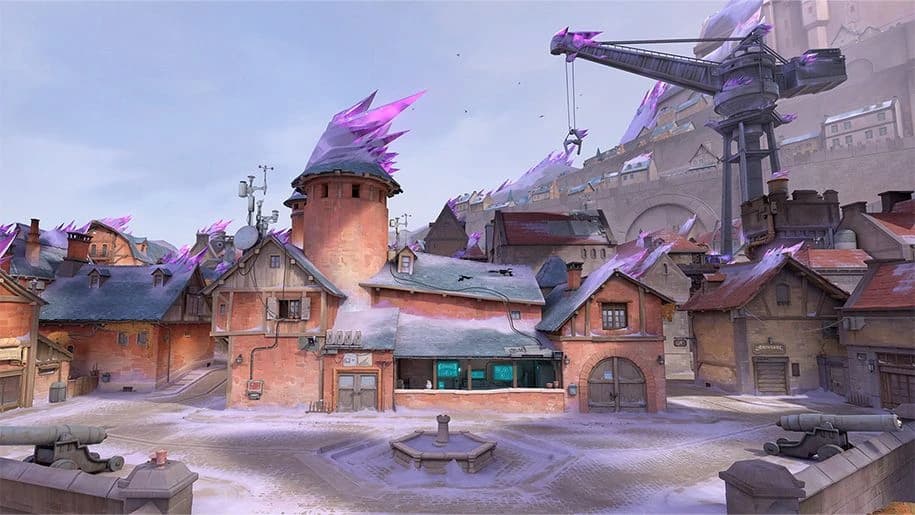 MapCorrodeStart by identifying the three main approach lanes and the places where an attacker can be stalled by crossfire. Prepare utility for defenders above and behind the first contact.Read reference
 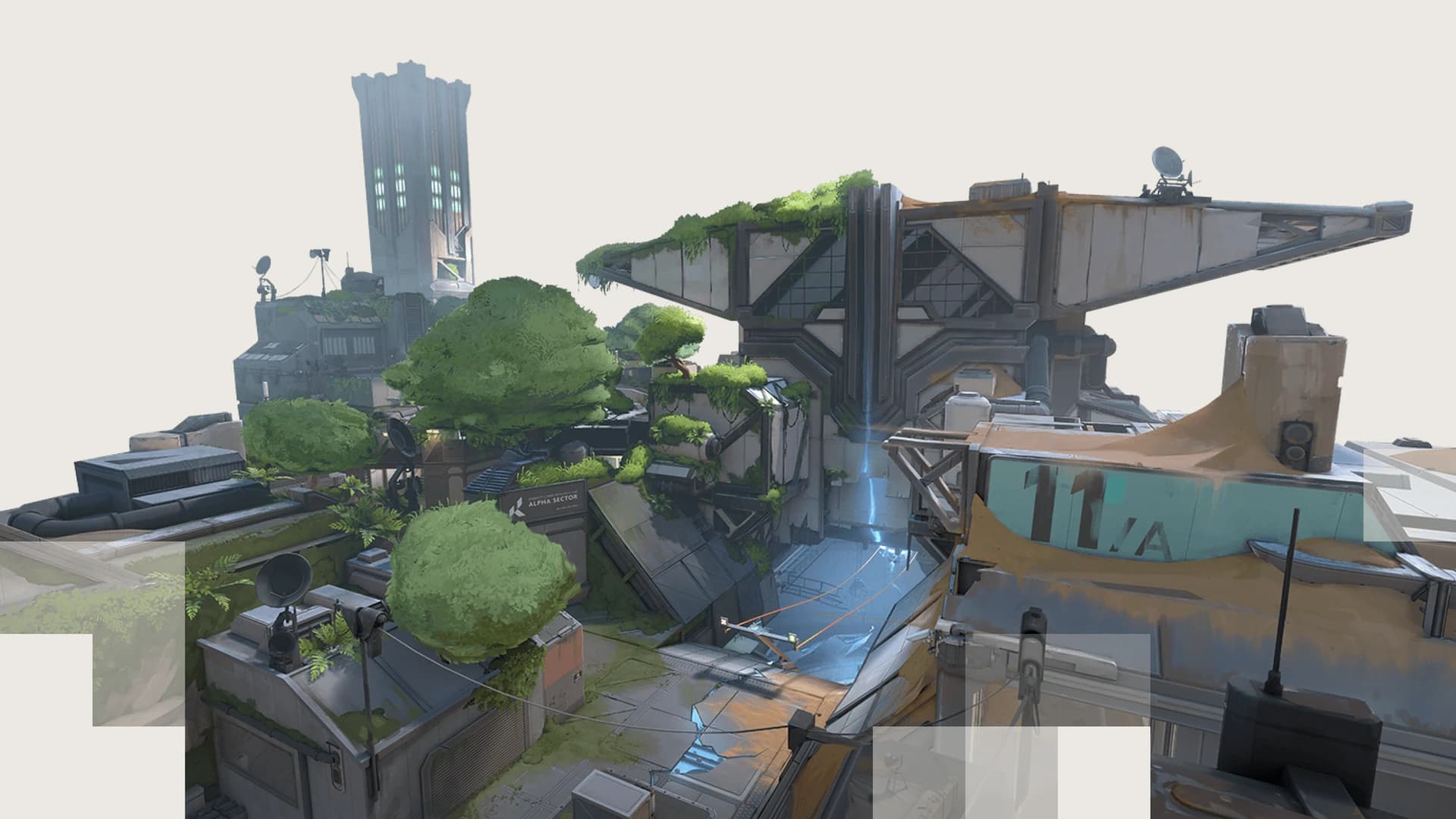 MapFractureCheck more than one direction before anchoring a site. A single forward defensive angle may not survive simultaneous pressure from both sides.Read reference
 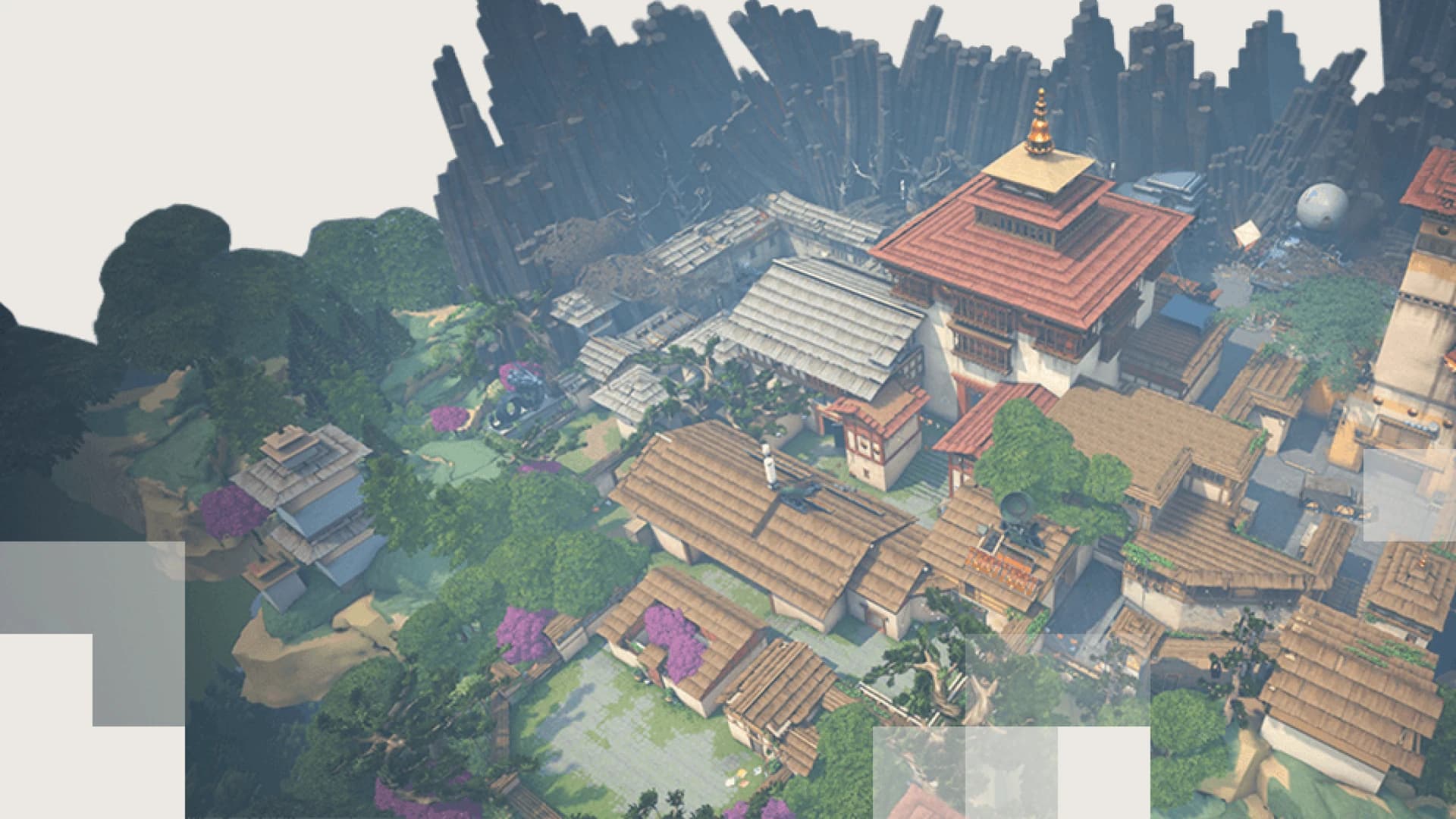 MapHavenUse information to avoid over-rotating; defenders cover more ground here. Attacking teams can convert that spread into pressure by threatening more than one site.Read reference
 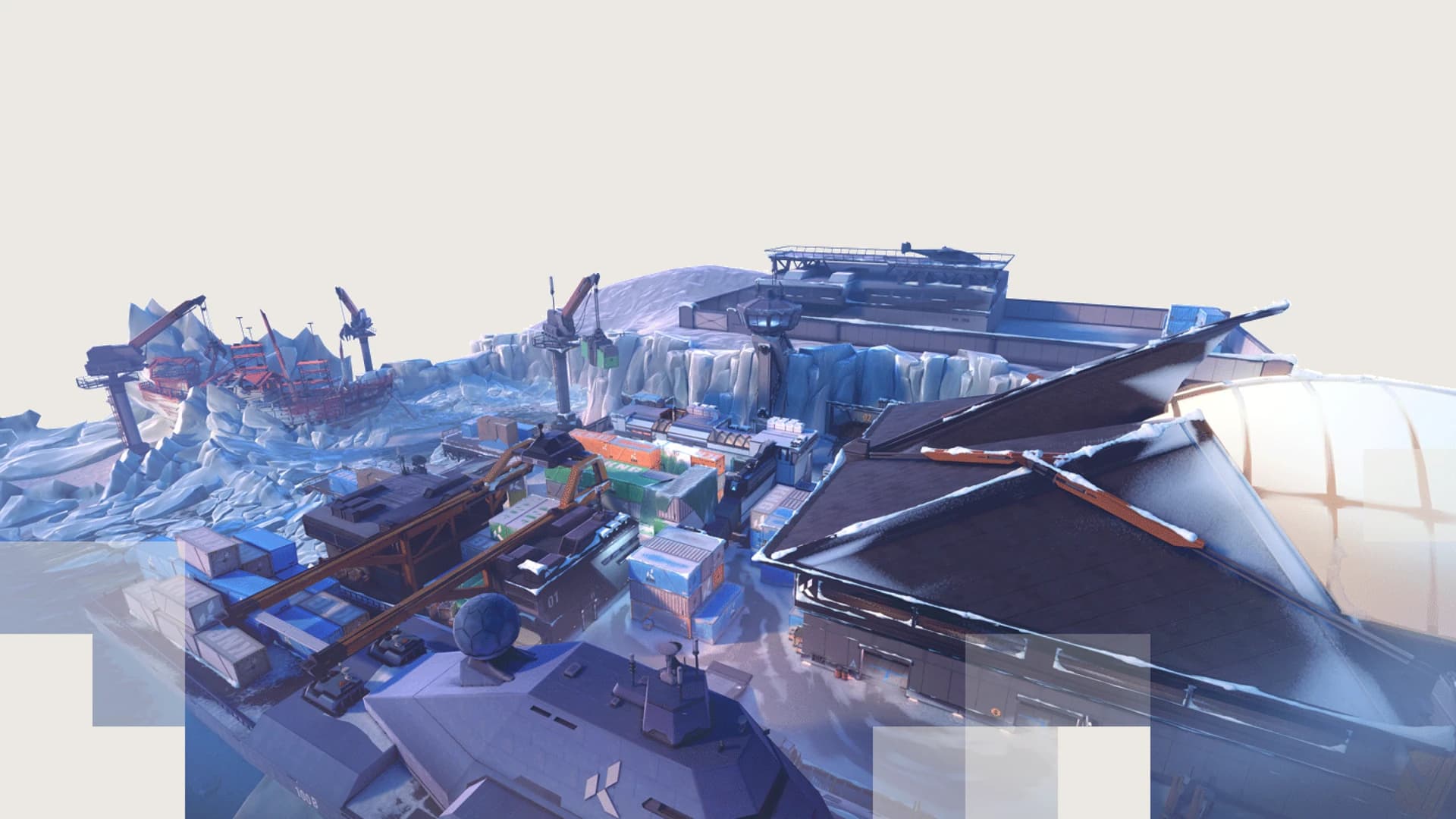 MapIceboxCount the elevations and zipline routes that can create a second angle. Use utility to isolate a level before crossing an exposed plant space.Read reference
 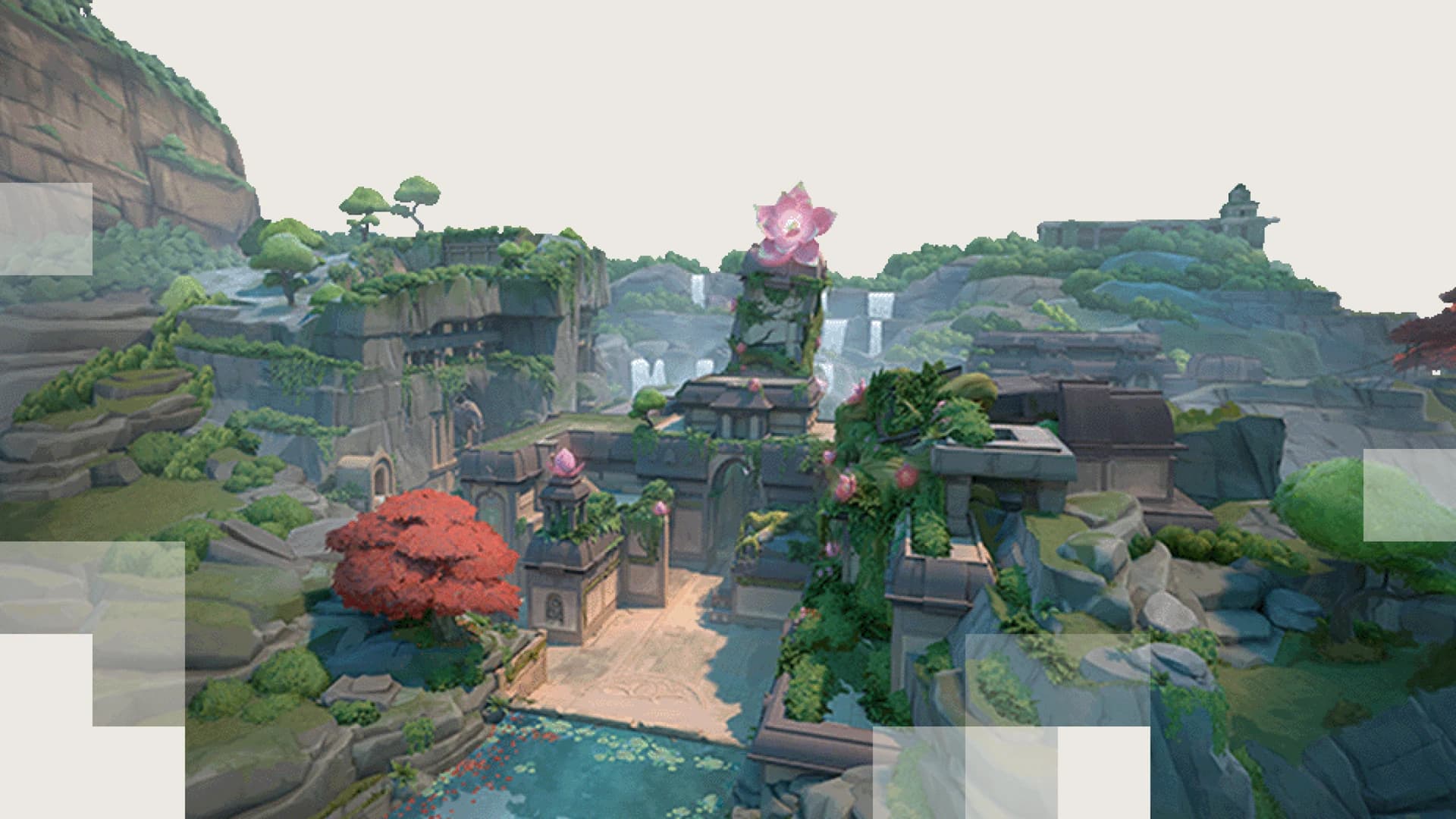 MapLotusPlan which doorway controls your first rotation, then work out where the spike carrier can be isolated. Avoid giving up the entire opposite side without information.Read reference
 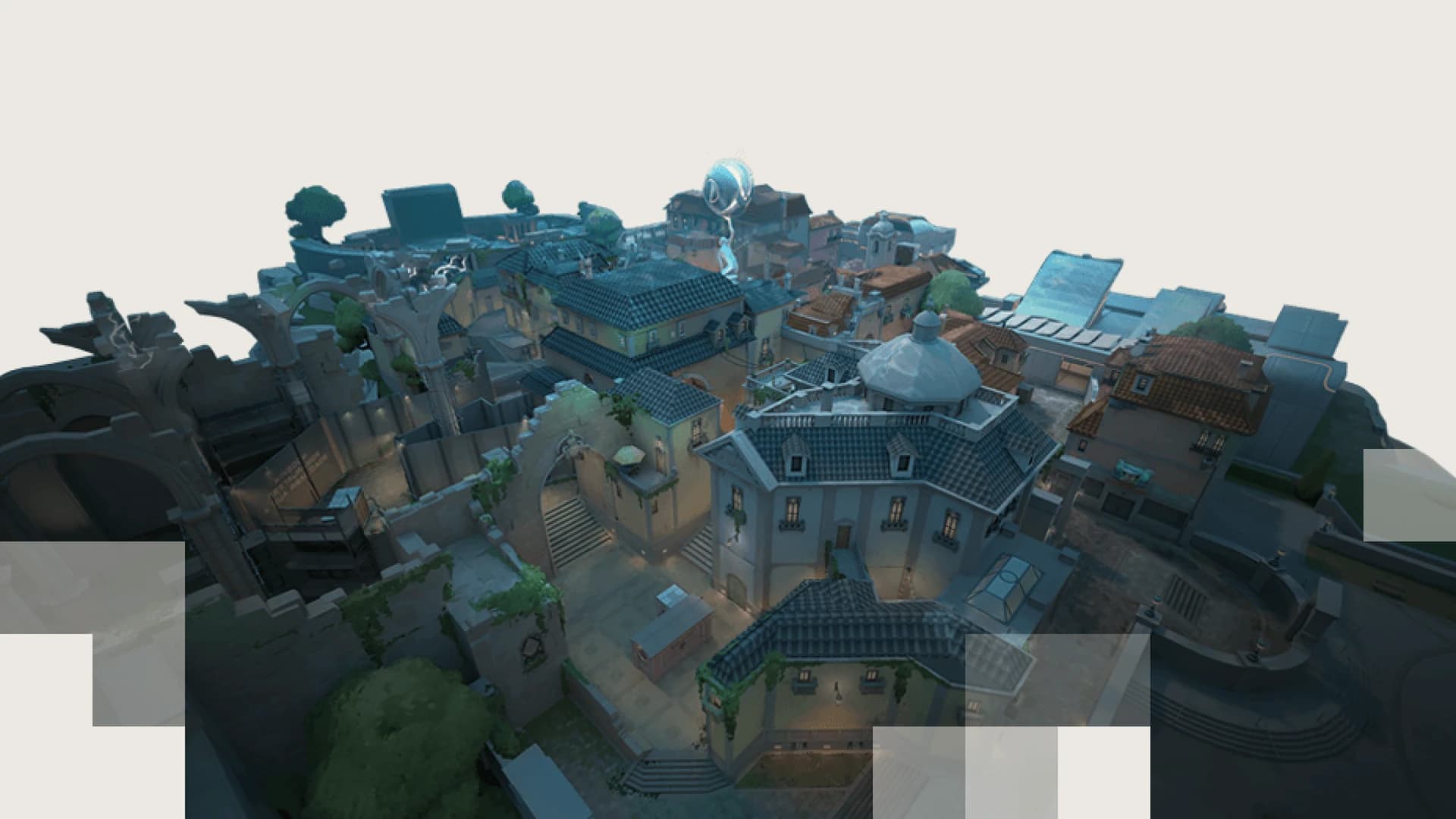 MapPearlDivide responsibilities between controlling mid and holding the longer corridors. Early information about the opposite lane can help you avoid a slow and predictable rotate.Read reference
 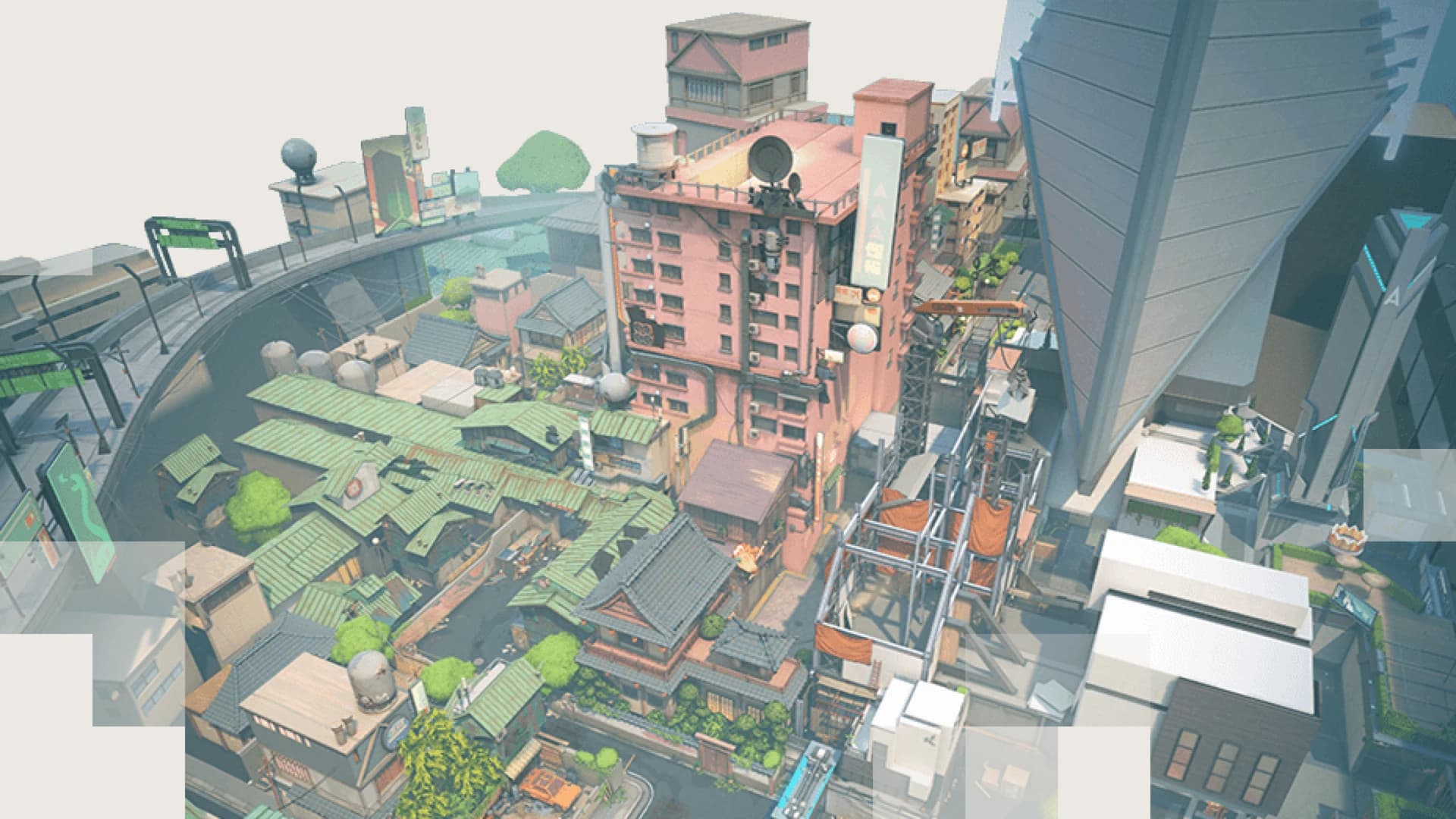 MapSplitWatch elevations, especially around central control. A defender on a raised position can punish a team that clears only at eye level.Read reference
 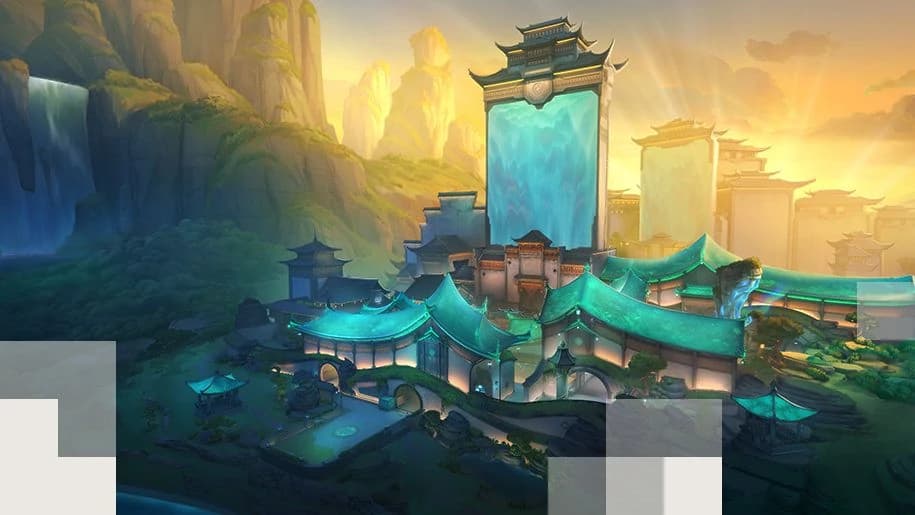 MapSummitWatch how droppable walls transform accessible sightlines. Build an opening plan for the initial layout and a separate response after a wall changes the route.Read reference
 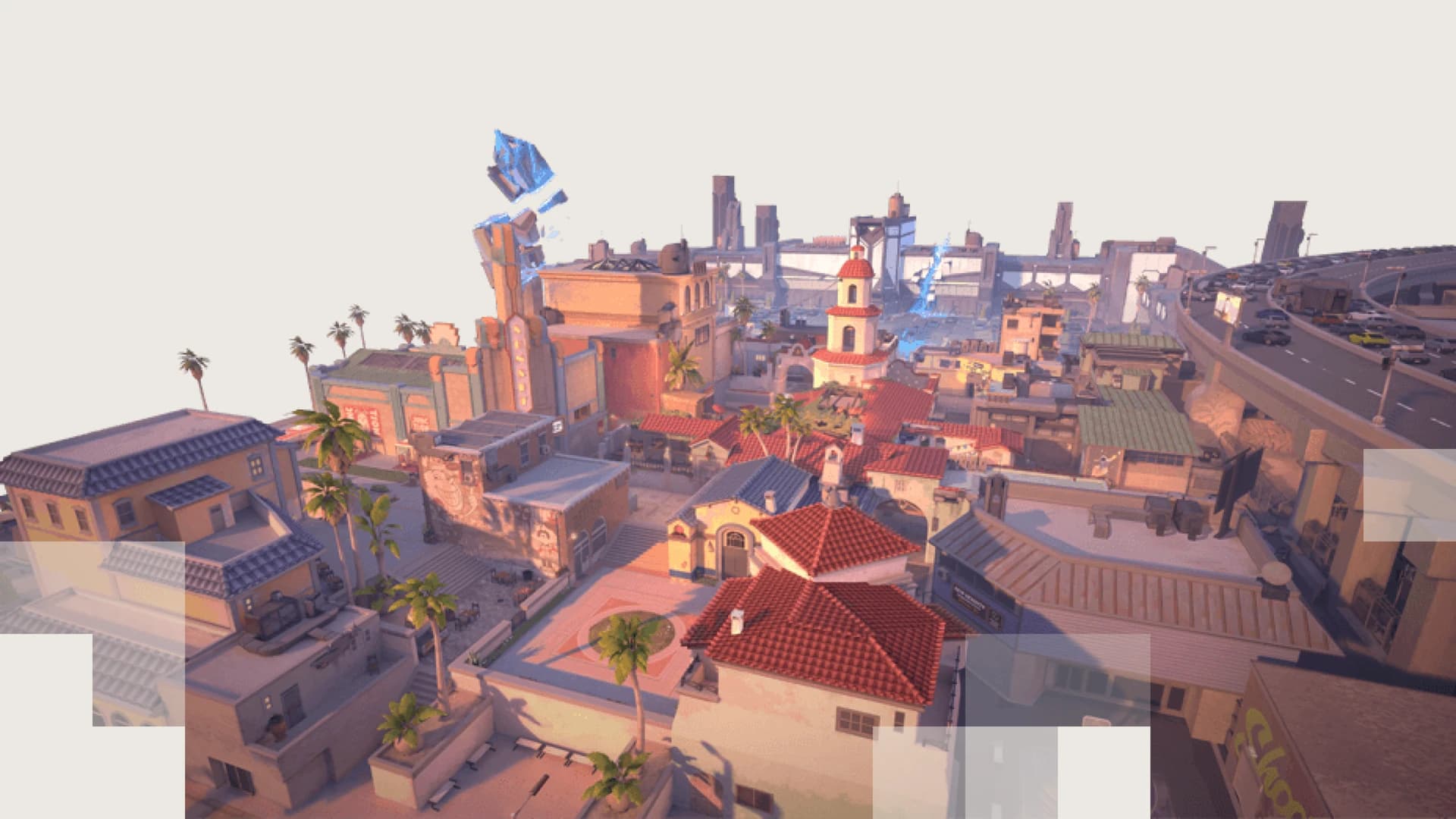 MapSunsetDecide who watches the alternative mid-to-site route when your team commits to a main approach. A late defender rotate can turn the final seconds of the round.Read reference